
Corporate Transfer Management System
Corporate transfer management with executive rides, central billing and travel policy integration.

Travel Policy Management
Vehicle class, distance and time-based rules
Approval Workflow
Manager approval chain and mobile notifications
Central Billing
Cost center, project and department reports
Product Features
- Vehicle class and zone-based tariffs
- Cost center and project code tagging
- Contracted fleet and supplier pool
- Multi-language corporate panel
- Duty of care employee tracking
- SAP SuccessFactors, Workday, AD integration
- SAP Concur export
- Out-of-policy booking alerts
- Detailed spend reports
- Manager approval panel
- Employee and driver mobile apps
- Role-based permissions
API Integrations
Integrate with leading service providers in the industry.









Why Us?

- Savings via central transfer management
- Real-time driver tracking
- Employee safety via duty of care
- Contracted fleet prioritization
- SSO and AD integration
- KPI dashboard
- CRM and support module
Corporate transfers: from policy-marked search to approval
The records, names and amounts in the videos are sample data.

Door-to-door transfer search
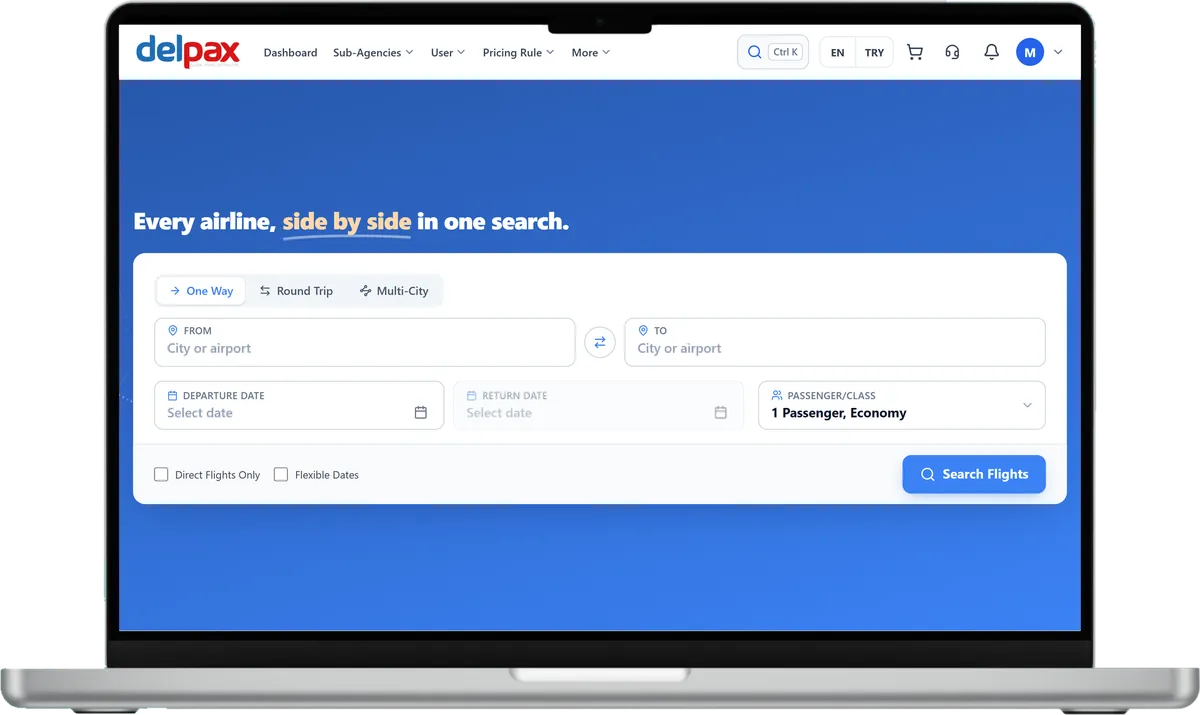
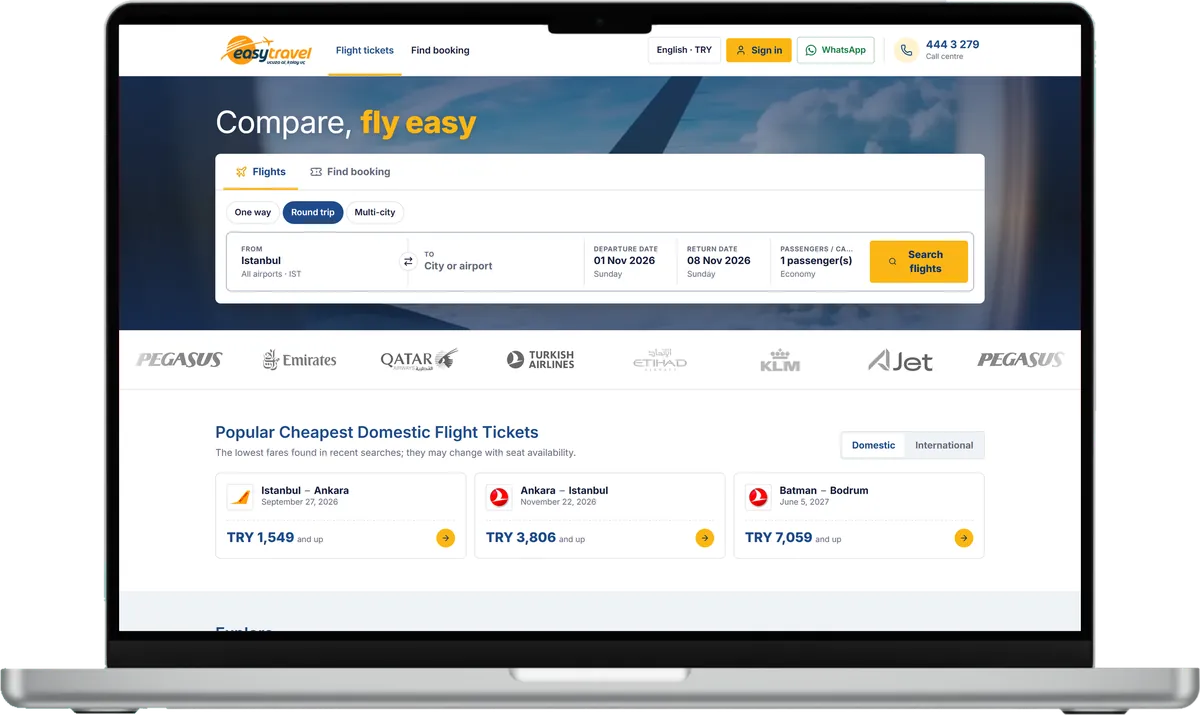
Enter an airport, hotel or address for pickup and drop-off, then choose one way or round trip, date, time, passengers and bags. Each offer lists the vehicle class and model, passenger and bag capacity, amenities, cancellation terms and the price per vehicle. For the way back, From and To swap in one click.

Policy-marked offers
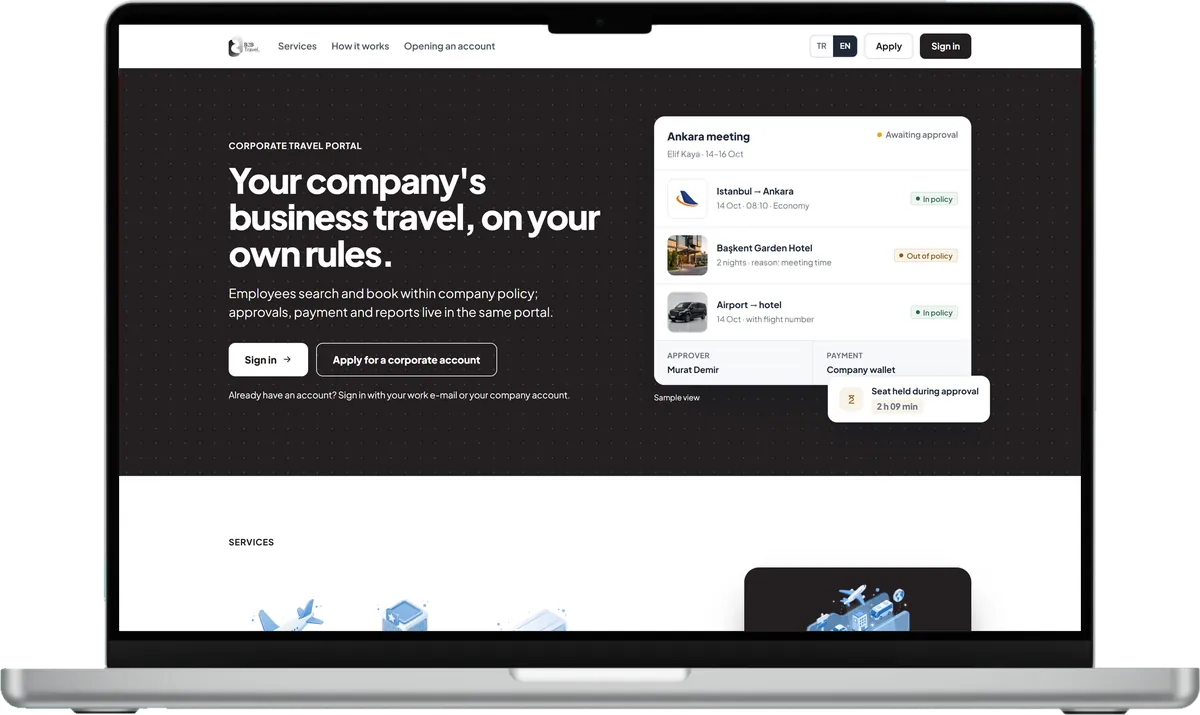
Every offer is marked in or out of your travel policy, and the best option is flagged. Results can be filtered by vehicle type, free cancellation and policy, and sorted by price.

A vehicle that fits the group
Set the number of passengers in the form; the results list only vehicles with enough room for the party. For a meeting group, smaller vehicles stay off the list.

Transfer policy rules
For transfers, set per-person and per-item limits, allowed vehicle classes, how many days ahead a transfer must be booked and the maximum difference from the best option. Each rule blocks, sends for approval on a violation or always, or only informs. An out-of-policy pick asks for a reason, chosen from a preset list with an explanation.

Price tolerance at approval
Transfer prices cannot be held, so the price is fetched again at approval: within the company's tolerance it is bought, outside it the request goes back for approval. The approver can pick an alternative per item; the requester is notified and the choice shows in the travel file.
The company's rules apply here too
What the company manager sets up in the portal works for this product too.
Travel policy
A policy applies to the company, a branch, a department, a title grade or a person; each rule blocks, sends for approval or only informs.
Approval flow
Requests pass sequential or parallel levels by amount band, with a time limit, reminder and escalation per level; nobody approves their own request.
Budgets
Period budgets per branch or department show actual, committed and remaining amounts; on overrun: warn, ask a reason, send for approval or stop.
Trip file and reports
Items, service fee and documents sit in the trip file; spend, policy compliance and approval times are reported and exported to Excel, CSV or PDF.
Frequently Asked Questions
Request a Demo
Request a free demo to see the corporate portal up close and how it fits your company structure.
Demo & Get Quote