
Charter Flight Ticket Software
Run the seat stock, series departures and load-based pricing of your chartered aircraft from one panel, and let your agency network sell it.

Leg-Level Seat Stock
Outbound and return legs hold separate capacity and overselling is blocked at stock level.
Load-Based Automatic Pricing
Percentage or fixed-amount tiers trigger as the flight fills and update the base fare.
Sell Through Your Agency Network
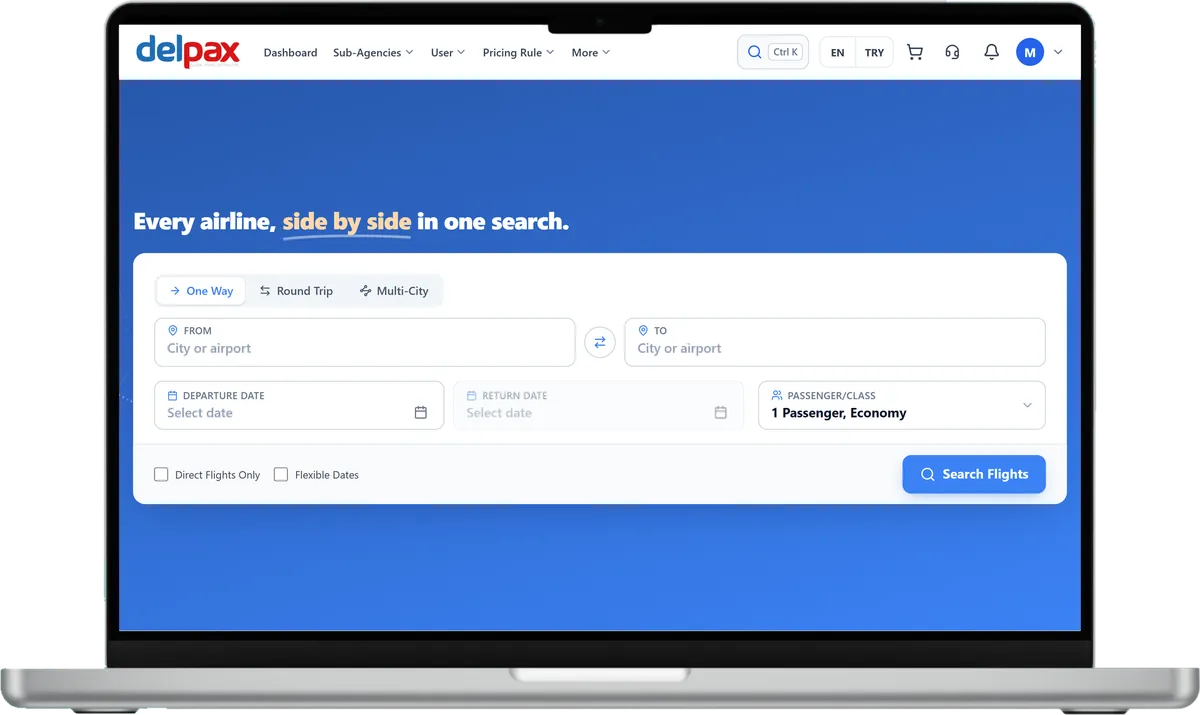
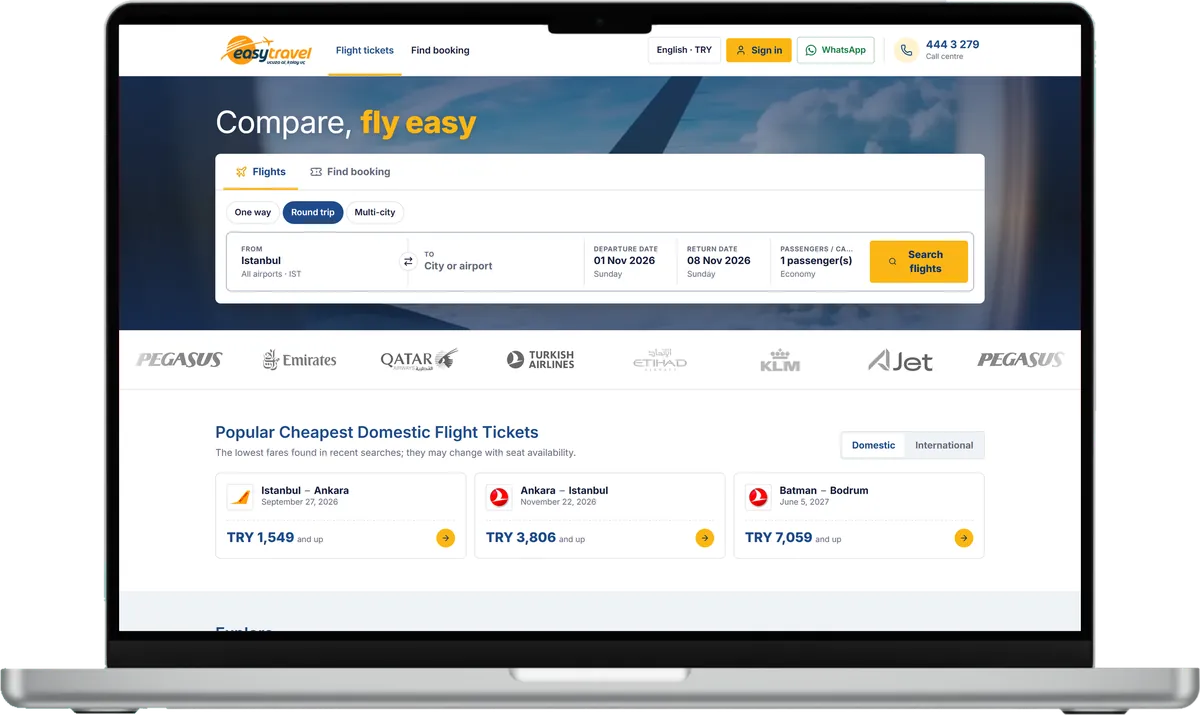
Charter departures are listed in the standard flight search agencies use.
Product Features
- Charter flight catalogue with draft, active and passive states
- Legs, connection segments and route chain validation
- Leg-level seat capacity and controlled oversell margin
- Base fare and tax per passenger type: adult, child, infant
- Branded fare package with change and refund permissions
- Season setup and weekly recurring series departures
- Agency seat allotment with quota enforcement modes
- Waitlist with timed option promotion
- Nameless block group booking with staged name entry
- Manual sale in the panel with cancel and no-show states
- Passenger manifest and sales list CSV export
- Agency-based multi-layer pricing rule chain on the seat fare
Why Us?

- You open sales to your agency network without building an integration.
- You clear empty seats with pricing policy, not last-minute discounts.
- Unsold allotment returns to the general pool automatically when due.
- Demand arriving on a full flight is queued instead of lost.
- You secure a block of seats before the name list is ready.
- You build a whole season programme in one form.
- You see profitability and the break-even point before departure.
- You track your contract empty-seat obligation flight by flight.
- Your inventory appears to agencies under your own brand name.
- You sell the same seat to each agency at a different price.
- Agency credit limit is checked before a seat is blocked.
- Access to inventory and sales screens is limited by role.
- Asynchronous querying
- 7 billion+ queries per day capacity
- Easy and fast to use
- Unlimited GSA → Sub-Agent network capability
- Multi-language and multi-currency support
- Integrated Ticket Support system
- Announcement system
- RESTful API provisioning capability
Charter flight inventory: seats to reports in one panel
The records, names and amounts in the videos are sample data.

Charter inventory
Your charter flights in one list: Active, Draft and Inactive tabs, a season filter, Excel and print. Weekly chains sit under one group header, and each flight shows its available, reserved and sold seats. Outbound and return legs keep separate seat quotas, each leg can take a transfer, and the overbooking margin is set per flight. Weekly repeat builds a 1-52 week series from one form.

Fares, tiers and fees
Base fare and tax are set for adult, child and infant, with a currency of your choice. With occupancy tiers, a percent or fixed surcharge is added to the base fare as the flight fills. The empty seat allowance (BKH) and empty seat penalty are set per flight, and the name change free window and the fixed fee after it in the charter settings.

Agency allotments
You reserve seats for specific agencies; sold and remaining seats show row by row, and the total cannot exceed the flight capacity. Unsold allotment goes back to the general pool by automatic release, a set number of days before departure or on a fixed date. Allotment enforcement runs off, strict or overflowing to the general pool, and you choose the provider name agencies see for your charter flights.

Group blocks and monthly view
A nameless group block shows blocked, named and remaining seats and the name deadline in one row; names are entered in stages, and on confirmation each passenger is linked to an individual PNR. The Charter Groups screen lists chains by departure month with seat use and occupancy.

Occupancy report
The flight occupancy report shows each flight's sold, held and total seats with an occupancy bar and percentage; reports filter by season and date range.
Frequently Asked Questions
You create the flight in the charter catalogue and enter its legs, seat capacity and fare per passenger type. Once open, sub-agencies sell it from their standard flight search.
You define the agency seat split on the flight summary screen. Quota enforcement runs in three modes: off, strict, or overflow to the general pool.
You open a waitlist record for the full flight. When a seat returns to the pool the next record is promoted to a timed option and holds the seat for 24 hours.
Yes. A group booking opens a nameless block and names are entered in stages later. Once the block is confirmed the named seats become individual sales.
What you sell here is finite seat stock you own; capacity, load-based pricing and allotments follow from that ownership. Selling live scheduled seats from external suppliers, or running an airline group fare file, are separate products.
This product has no external supplier integration; the inventory you sell is your own charter flight. It runs as an internal flight provider whose displayed name matches your brand.
Request a Demo
Request a free demo to explore our product and see how it can benefit your business.
Demo & Get Quote